01
Open Imagine
Go to grok.com/imagine or open Grok on iOS/Android and enter the Imagine area. Sign in with your account. Confirm which plan you are on (limits vary).
Home / Blog / Grok Imagine Image 2.0
xAI released Imagine Image 2.0 as Quality Mode for real creative work: tighter instructions, better layout, sharper small text, and edit tools that do not trash the whole frame. This guide is for Canadian operators who want assets, not toys.
Quick answer: Imagine Image 2.0 is generally available as Quality Mode on grok.com/imagine and the Grok iOS/Android apps. It is built for precise generation and editing (magic wand, segmentation, background removal, multi-ref up to 5 images, smart resize, templates). xAI says it ranks #2 worldwide on Arena text-to-image and image-edit leaderboards as of Aug 7, 2026. API access is listed as coming soon. Opcelerate Neural is not xAI. We teach safe creative workflows for Canadian teams.
Headline news
According to the official post Imagine Image 2.0, the release is aimed at images you can use in real work, not only vibe sketches. The company highlights three practical upgrades:
Editing is treated as a first-class workflow:
Performance note from xAI: second in the world on Arena text-to-image and image-edit overall Elo as of Aug 7, 2026. Rankings change. Check Arena and xAI for live scores. Consumer access: grok.com, iOS, Android. API: coming soon per the same post.
How to use it
You do not need a film crew. You need a job, a prompt, and a review step.
Go to grok.com/imagine or open Grok on iOS/Android and enter the Imagine area. Sign in with your account. Confirm which plan you are on (limits vary).
Example: “product hero for a metal shop website,” “LinkedIn banner for a free AI workshop,” “transparent icon set for a slide.” If you cannot name the job, you are just playing.
Subject, setting, style, lighting, aspect ratio intent. Front-load the important words. Prefer concrete nouns over adjectives stacked like ketchup.
Use Quality Mode / Image 2.0 tools. Change only the region that is wrong. Do not re-roll the whole universe when one corner is soft.
Check text spelling in the image, brand colors, faces, and copyright risk. Someone on your team should say “yes” before it hits ads, email, or print.
Build a “world kit”: one character or product base, then locations and props in the same style. Image 2.0’s multi-ref and consistency claims are aimed at this. Keep one reference sheet and reuse it.
Original OEM samples
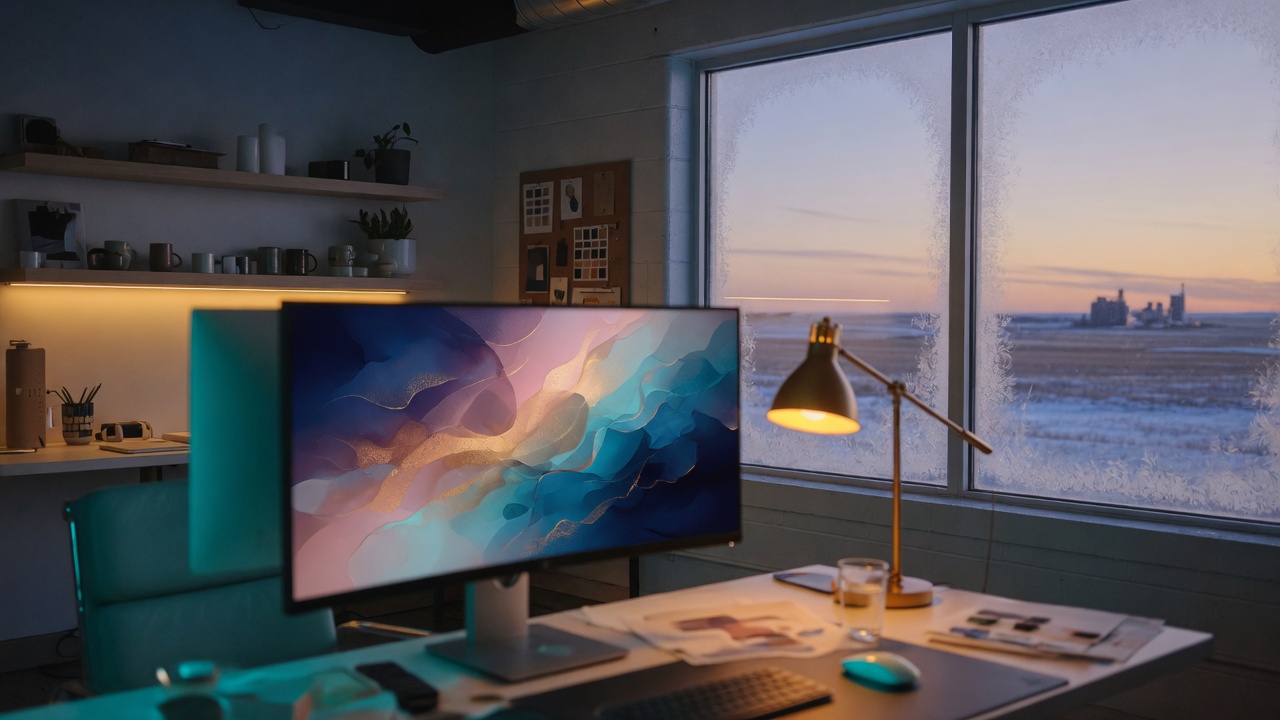
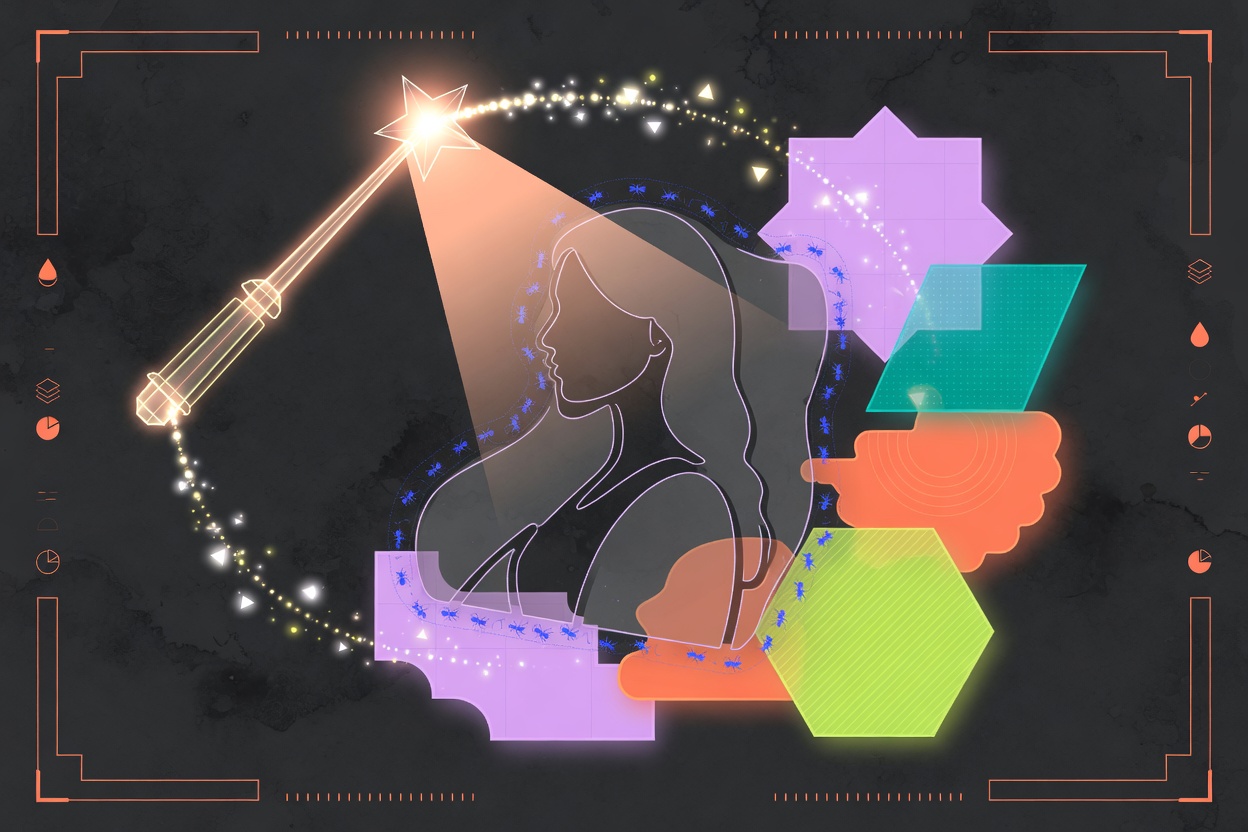
Opcelerate Neural original samples (Imagine / Grok image tools in Grok Build). Free for you to study. Not official xAI product screenshots. Use as mood references for your own brand work.




Canadian business
We train Alberta teams on prompts, privacy lines, and creative workflows for Grok, Claude, ChatGPT, and Copilot. Free discovery call. No fake rankings. No official xAI partnership claims.
xAI’s Aug 7, 2026 image generation and editing release, available as Quality Mode on grok.com/imagine and the Grok mobile apps. Focus: precise generation, typography, layout, and iterative edits for real creative work. Source: x.ai/news.
Open grok.com/imagine or the Imagine area in the Grok apps, write a brief-style prompt, generate, then refine with edit tools or templates. Confirm your plan’s limits in-product.
As of the Aug 7, 2026 Image 2.0 post, API access is described as coming soon. Check docs.x.ai for current model names and pricing when you build production systems.
No affiliation or certification is claimed. We provide practical AI training and workflow consulting for Canadian teams that choose their own tools.
Sources: Imagine Image 2.0 (xAI, Aug 7, 2026); product entry points on grok.com/imagine and official app stores linked from that post. Access, pricing, and ranking claims can change. Verify on official pages before you budget.