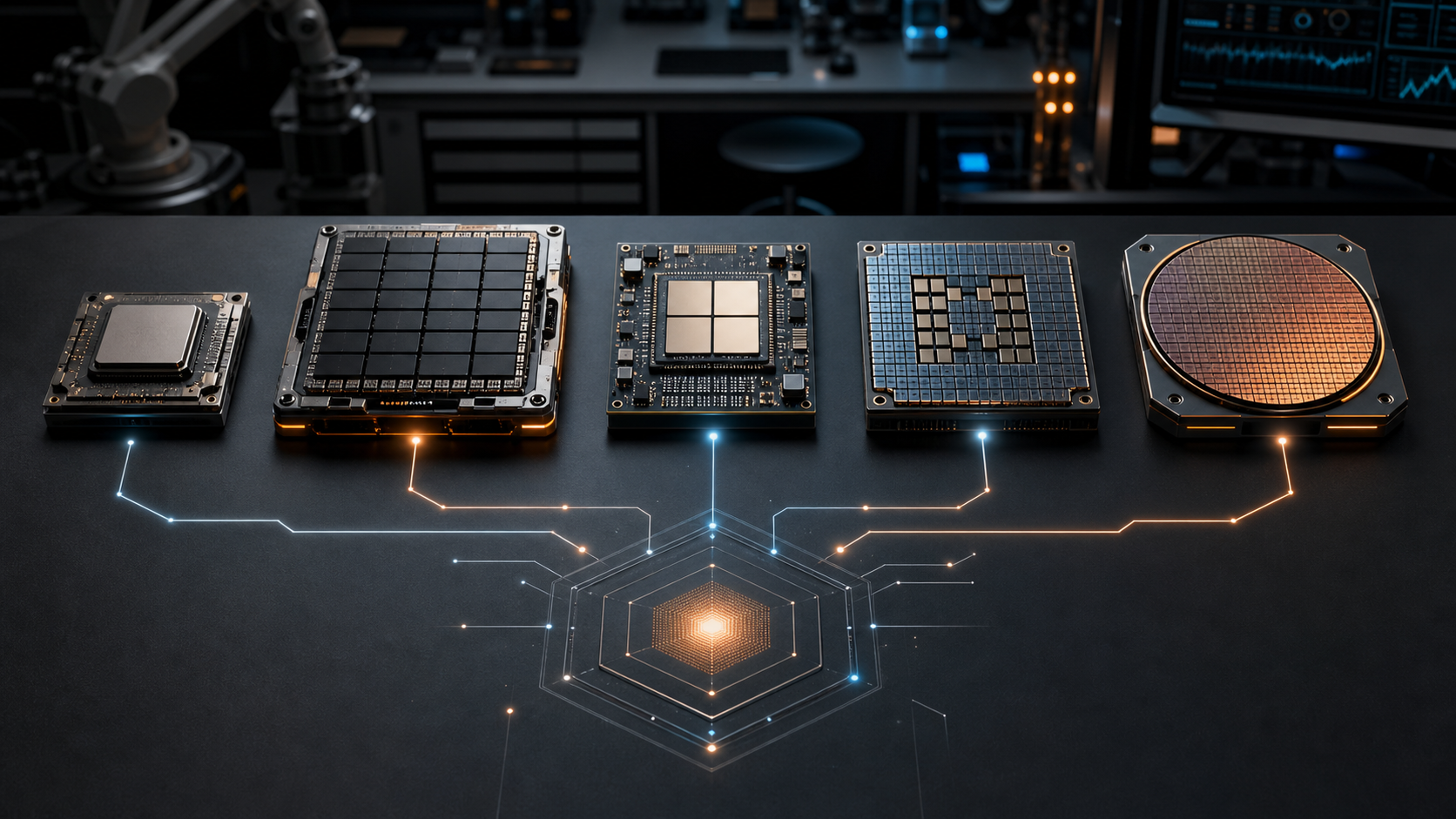
Quick answer: CPUs orchestrate and handle flexible general work. GPUs handle large parallel tensor jobs. NPUs handle low-power local AI inference. FPGAs handle custom, programmable acceleration. ASICs handle narrow, high-volume jobs when the design is worth locking in.
The worst way to buy AI hardware is to compare peak numbers in isolation. The better way is to start with the workload: interactive or batch, cloud or edge, training or inference, privacy-sensitive or public, stable or changing every month.
Once the job is clear, the hardware conversation gets much easier.
The Hardware Comparison
| Accelerator | Best Fit | Watch For |
|---|---|---|
| CPU | Control flow, small models, pre/post-processing, business logic, orchestration, low-volume inference. | May bottleneck on large tensor workloads or high-throughput serving. |
| GPU | Training, LLM inference, image/video models, high-throughput batch processing, parallel tensor math. | Power, memory, queueing, utilization, and data transfer overhead. |
| NPU | On-device AI, privacy-sensitive local inference, always-on features, speech, vision, background automation. | Model support, runtime maturity, operator coverage, and modest memory envelopes. |
| FPGA | Low-latency custom pipelines, industrial systems, signal processing, repeatable edge workloads. | Specialized engineering time and workload stability. |
| ASIC | Very high-volume fixed workloads where efficiency beats flexibility. | Long design cycles and limited adaptability after the workload changes. |
Where NPUs Actually Fit
Microsoft describes Copilot+ PCs as Windows 11 hardware powered by high-performance NPUs for AI-intensive local processes. AMD describes AI PCs as systems where the NPU, CPU, and GPU work together to accelerate workloads directly on the device. Intel frames NPUs as specialized AI-accelerating hardware for neural network and machine learning computations.
For a business, this makes NPUs interesting for privacy-sensitive local AI: voice features, image enhancement, document assistance, lightweight vision models, field tools, and background assistants that should not burn battery or send every task to the cloud.
Where GPUs Still Win
GPUs remain the default acceleration workhorse for large model work because they combine mature software, high memory bandwidth, parallel compute, and broad framework support. NVIDIA's TensorRT ecosystem focuses on optimized inference through techniques such as quantization, fusion, and kernel tuning.
The practical question is not whether GPUs are powerful. They are. The question is whether your workload will keep them busy enough to justify the cost and operational complexity.
AI Hardware Checklist
Opcelerate's Buying Rule
Do not buy a category. Buy an outcome. If the outcome is faster customer intake, measure call handling and transcript review. If the outcome is faster tender review, measure document parsing, evidence quality, and analyst time. If the outcome is local privacy, measure what can stay on-device without breaking the workflow.
Simple rule: hardware selection should follow the bottleneck, not the brochure. Benchmark the real workflow, then choose the accelerator.
Choose AI Hardware From The Workload Up
We can benchmark the actual use case before you spend money on equipment that may not move the right metric.
Start An AI Opportunity Scan